Help
Start here: every search filter on one page →
Help articles
Getting started with Open Opportunities
- Ian Makgill
- Help
- 10 Nov, 2026
How to start searching, what the free plan includes, the support on each plan, and the language and hours we work in.
read more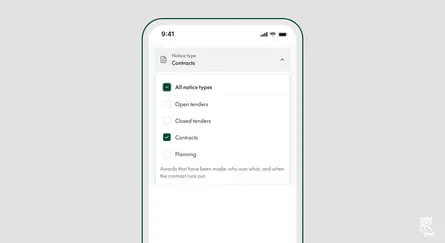
How to filter by notice type
- Ian Makgill
- Help
- 12 Nov, 2026
Choose which kinds of notice your search returns: open tenders, closed tenders, contracts or planning notices.
read more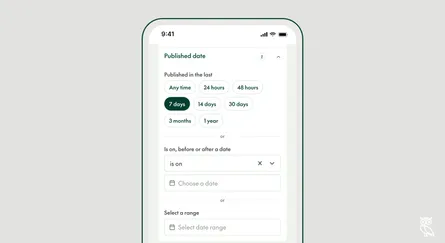
How to filter by published date
- Ian Makgill
- Help
- 12 Nov, 2026
Show notices by the date the buyer published them, and choose between a range that moves and fixed dates.
read more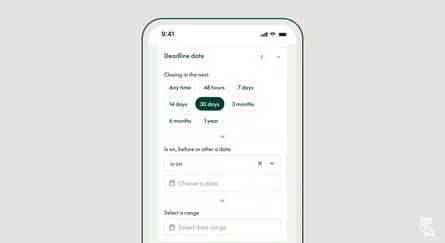
How to filter by deadline date
- Ian Makgill
- Help
- 12 Nov, 2026
Show tenders by the date bids are due: those closing soon, or only those you have time to answer.
read more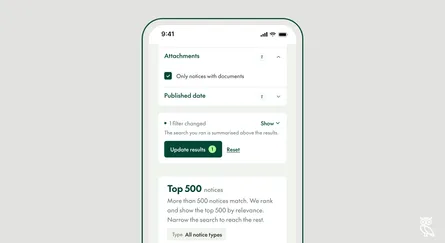
How to filter by attachments
- Ian Makgill
- Help
- 12 Nov, 2026
Show only tenders with documents attached, such as specifications you can read in full today.
read more
Who won the contract, and when will it be re-tendered?
- Ian Makgill
- Help
- 10 Nov, 2026
How to find the incumbent supplier and the contract end date in published award notices, and how to prepare before the re-tender is advertised.
read more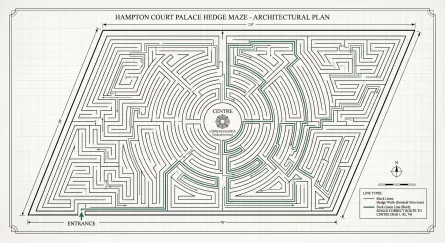
Can't find a specific tender? Four searches to try first
- Ian Makgill
- Help
- 05 Nov, 2026
Four searches to try before you decide a specific tender is missing, and what to send us if it still is.
read more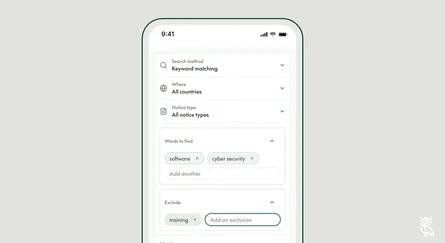
How to search by keyword
- Ian Makgill
- Help
- 23 Nov, 2025
Find notices that contain the words you type, and leave out the ones you don't want.
read more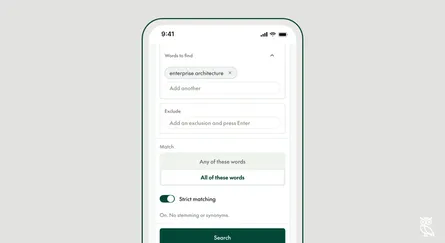
How to search by exact keyword
- Ian Makgill
- Help
- 23 Nov, 2025
Make a keyword search return only the notices you want.
read more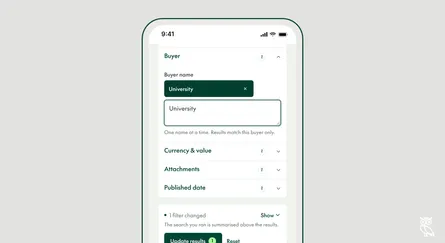
How to search by buyer
- Ian Makgill
- Help
- 23 Nov, 2025
Find notices from one buyer, or from every buyer with a word in its name.
read more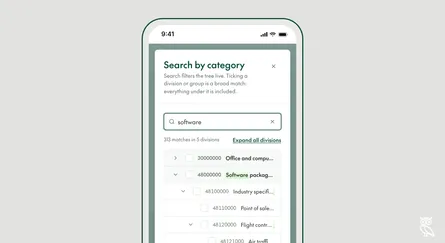
How to search by category
- Ian Makgill
- Help
- 23 Nov, 2025
Find notices by what is being bought, using CPV codes.
read more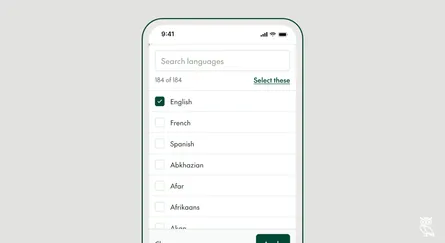
How to search by language
- Ian Makgill
- Help
- 23 Nov, 2025
Show only notices published in the languages your team works in.
read more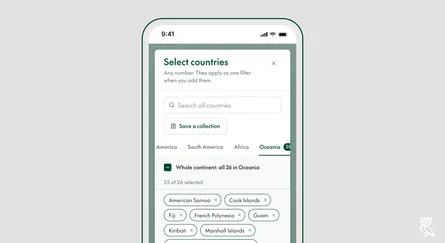
How to search by country
- Ian Makgill
- Help
- 23 Nov, 2025
Search one country, several, or a whole continent, and save the countries you use most.
read more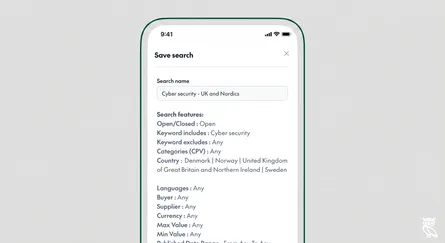
How to save a search and set up alerts
- Ian Makgill
- Help
- 23 Nov, 2025
Save a search, choose how often to get new matches by email, and manage your saved searches.
read more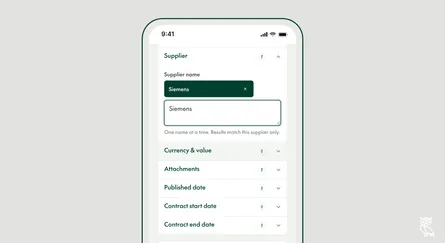
How to search by supplier
- Ian Makgill
- Help
- 23 Nov, 2025
See the contracts a company has won, by searching award notices by supplier name.
read more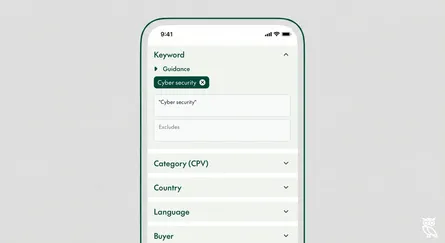
Making tender searches easier
- Ian Makgill
- Help
- 27 Oct, 2025
Tired of scrolling through hundreds of irrelevant tenders? We’ve built Open Opportunities to help you find opportunities that actually matter to your business. Here’s how to use our key features to s
read more