How to filter by published date
- Ian Makgill
- Help
- 12 Nov, 2026
- 01 Min read
Last updated: 12 November 2026
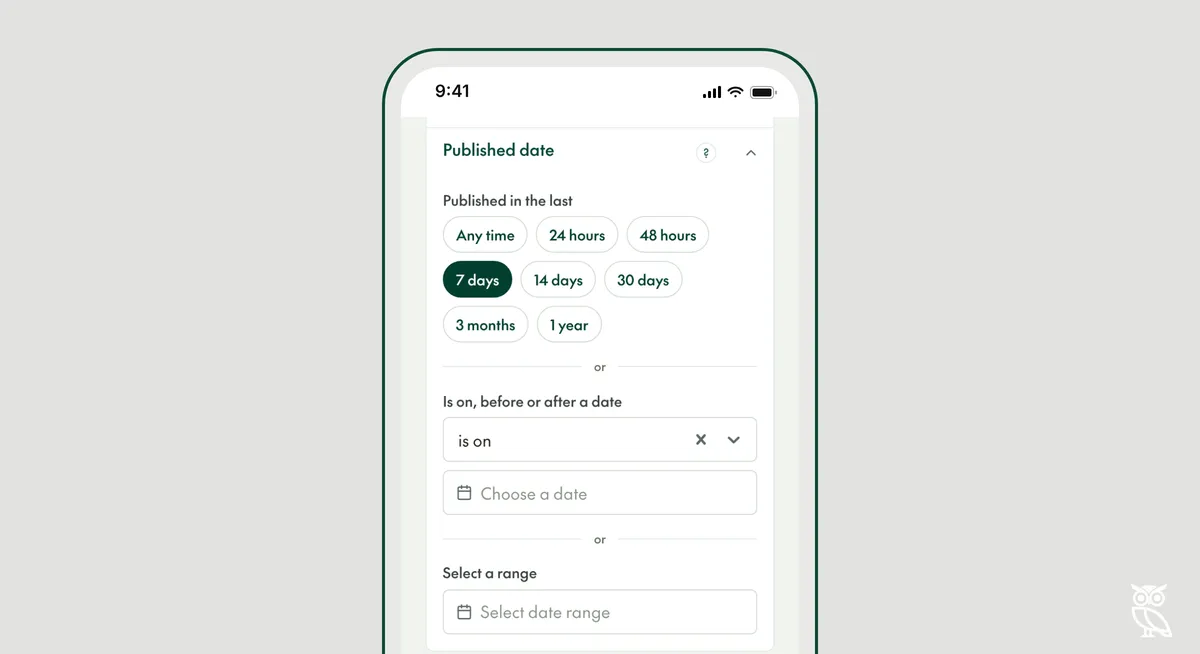
The Published date filter shows notices by the date the buyer published them. Use it to see only what is new, or to look back over a set period.
A range that moves, or fixed dates
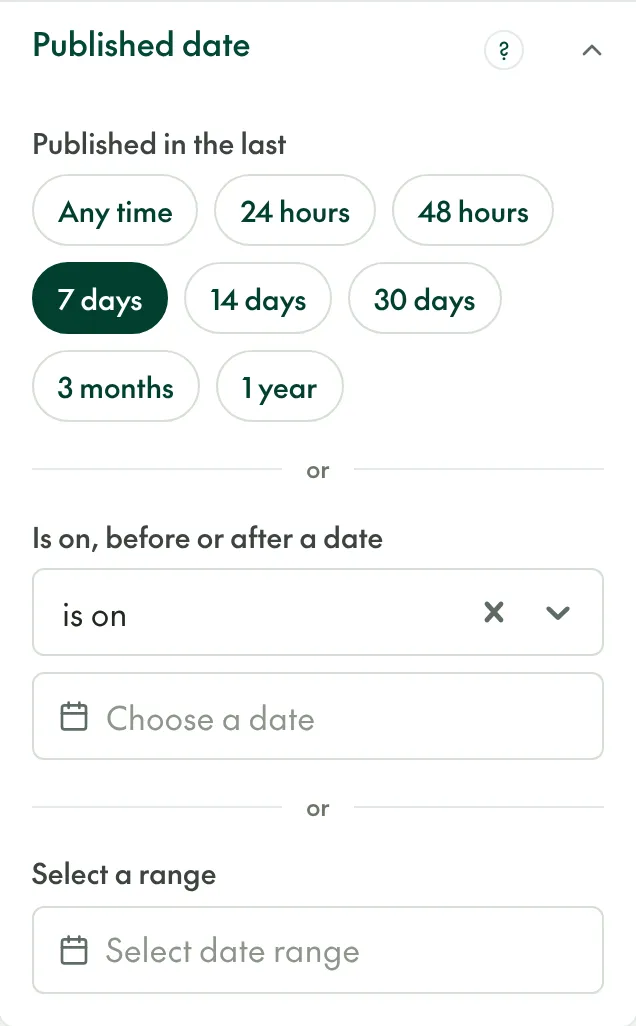
Under "Published in the last", choose from 24 hours to 1 year. These ranges move forward every time the search runs. In a saved search that is what you want for new tenders, but with 7 days chosen, a tender published eight days ago drops out of the results.
For fixed dates, use "Is on, before or after a date" or "Select a range". Fixed dates do not move. Use them to find a tender you know was published in a particular month, or to compare one period with another.
Notices published today
Open Opportunities collects from many sources twice a day, so a notice a buyer published this morning may appear at the next collection. If you expect a tender from today, search again tomorrow.
In the API, the filter is release_date__gte and release_date__lte.