How to filter by deadline date
- Ian Makgill
- Help
- 12 Nov, 2026
- 01 Min read
Last updated: 12 November 2026
The Deadline date filter shows tenders by the date bids are due. It appears when the only notice types ticked are open tenders, closed tenders or both.
Tenders closing soon
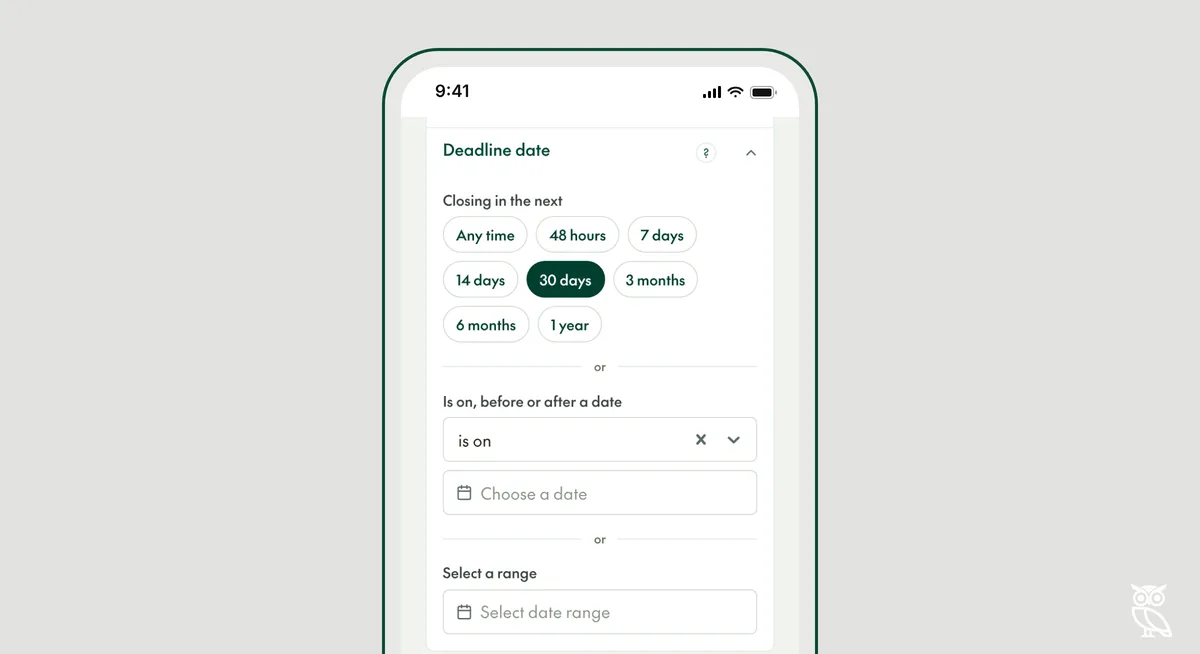
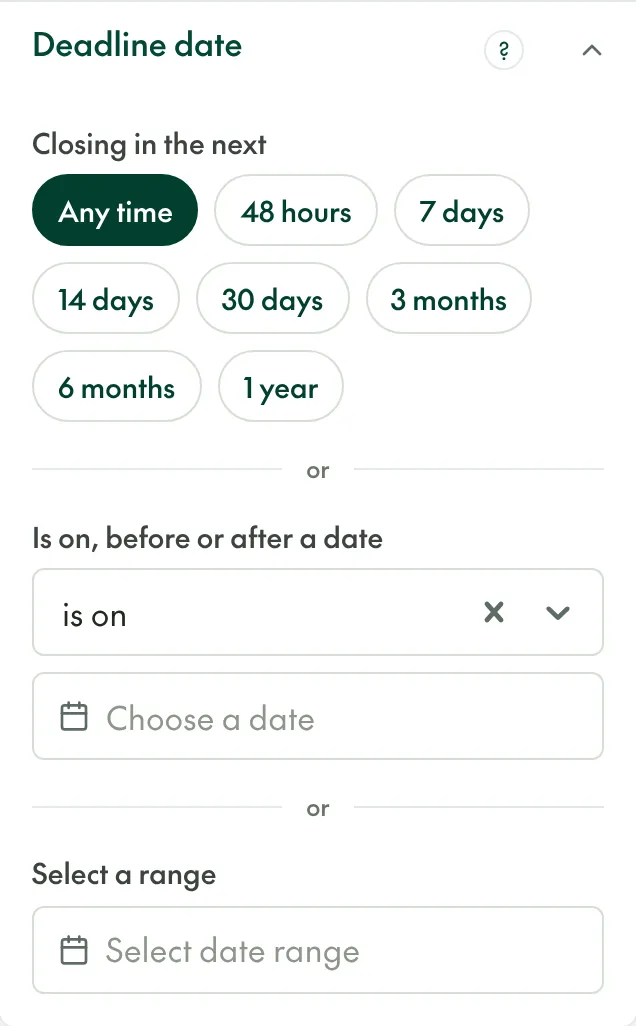
Under "Closing in the next", choose from 48 hours to 1 year to see tenders whose deadline falls within that time. Use it to catch tenders before they close.
Leave yourself time to bid
To hide tenders you have no time to answer, use "Is on, before or after a date", change "is on" to "is after" and choose a date. If a bid takes your team three weeks, choose the date three weeks from today. The date does not move, so move it forward in a saved search from time to time.
Almost every tender gives a deadline (99% of the 2.2 million published between November 2025 and October 2026), so setting the filter leaves out very few.
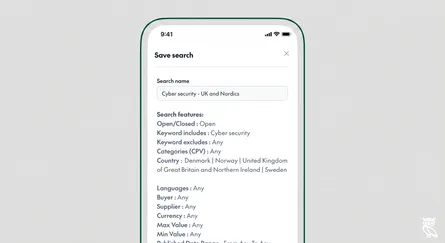
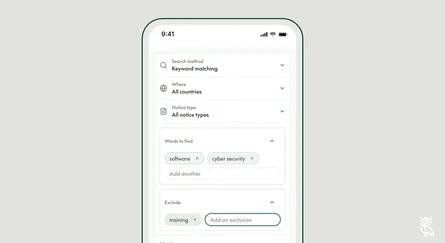
The filter works best after you have narrowed the search by what you sell and where. Search filters shows one search narrowed filter by filter.
In the API, the filter is tender_deadline__gte and tender_deadline__lte.