How to filter by attachments
- Ian Makgill
- Help
- 12 Nov, 2026
- 01 Min read
Last updated: 12 November 2026
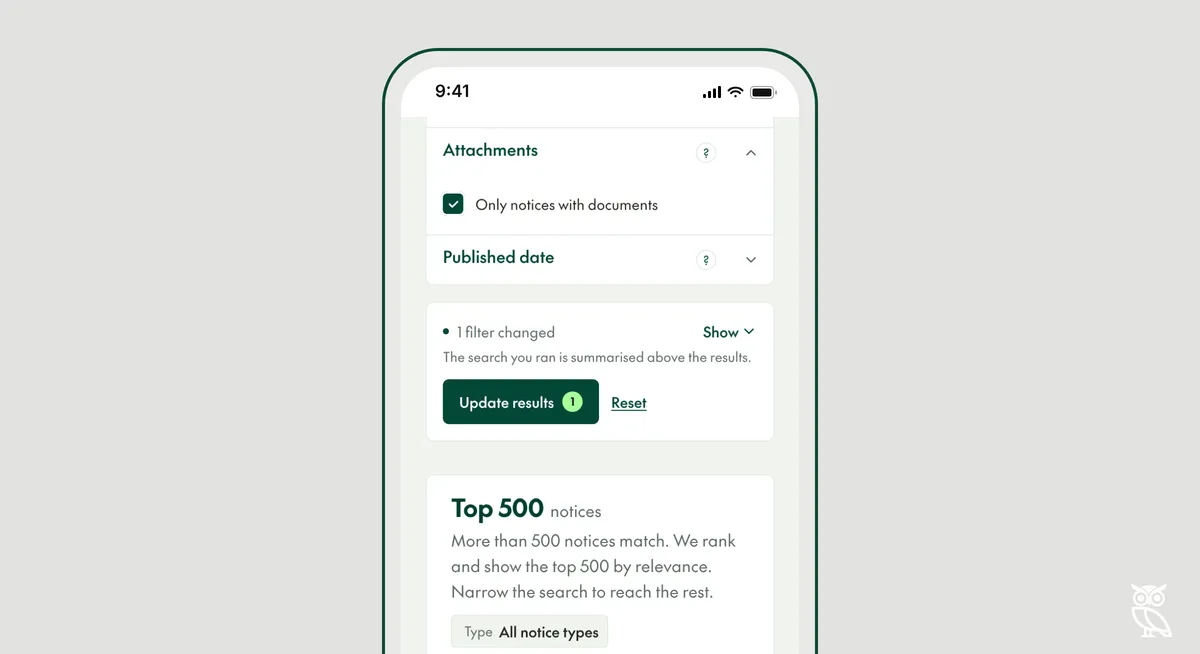
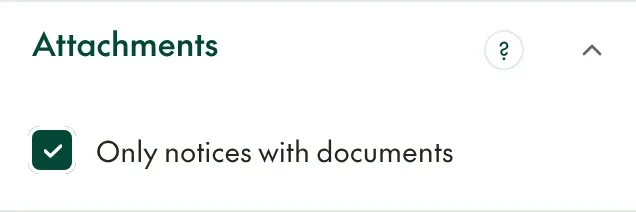
The Attachments filter shows only notices with tender documents attached, such as a specification, a pricing schedule or the contract terms. Tick "Only notices with documents". Open Opportunities collects the documents with the notice.
About one tender in ten has documents
About 1 in 10 of the 2.2 million tenders published between November 2025 and October 2026 had documents attached. So the filter narrows a search sharply. Use it when you want tenders you can assess in full today, not to find every tender that might suit you.
What search reads
Search reads the title and description of each notice, not the text inside its documents. Searching inside tender documents is coming.
In the API, the filter is attachment__is.