How to filter by notice type
- Ian Makgill
- Help
- 12 Nov, 2026
- 01 Min read
Last updated: 12 November 2026
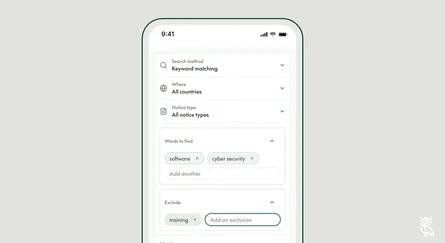
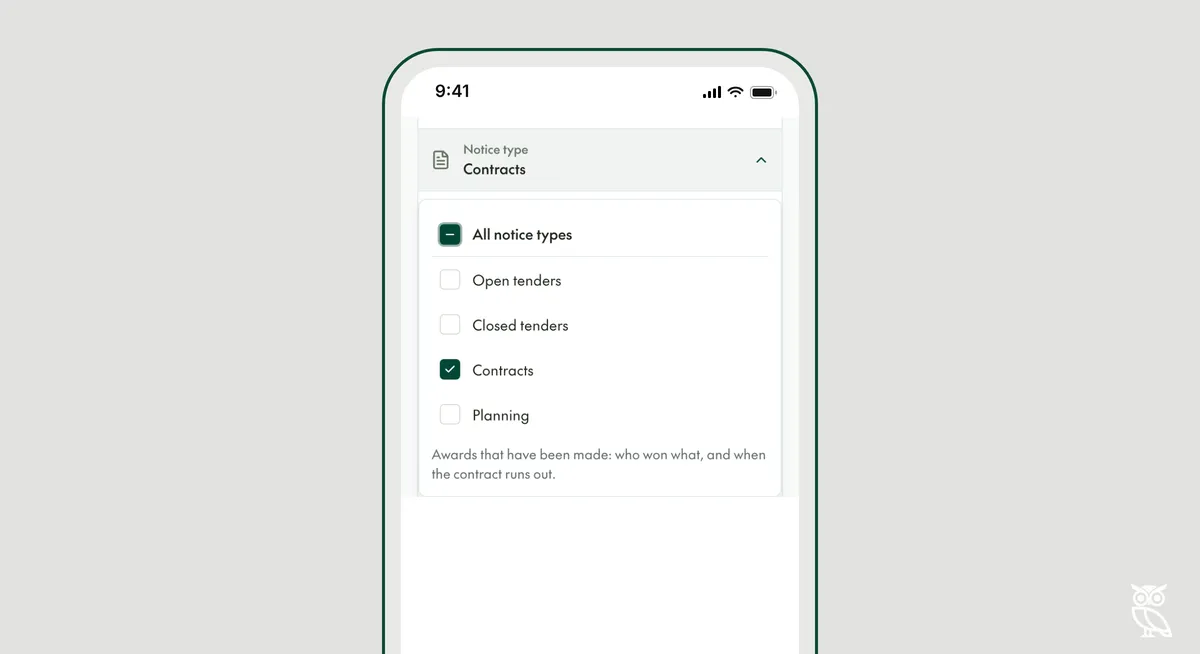
Notice type, at the top of the search page, chooses which kinds of notice your search returns. Tick one type or several. With All notice types ticked, every type is searched, whatever its deadline.
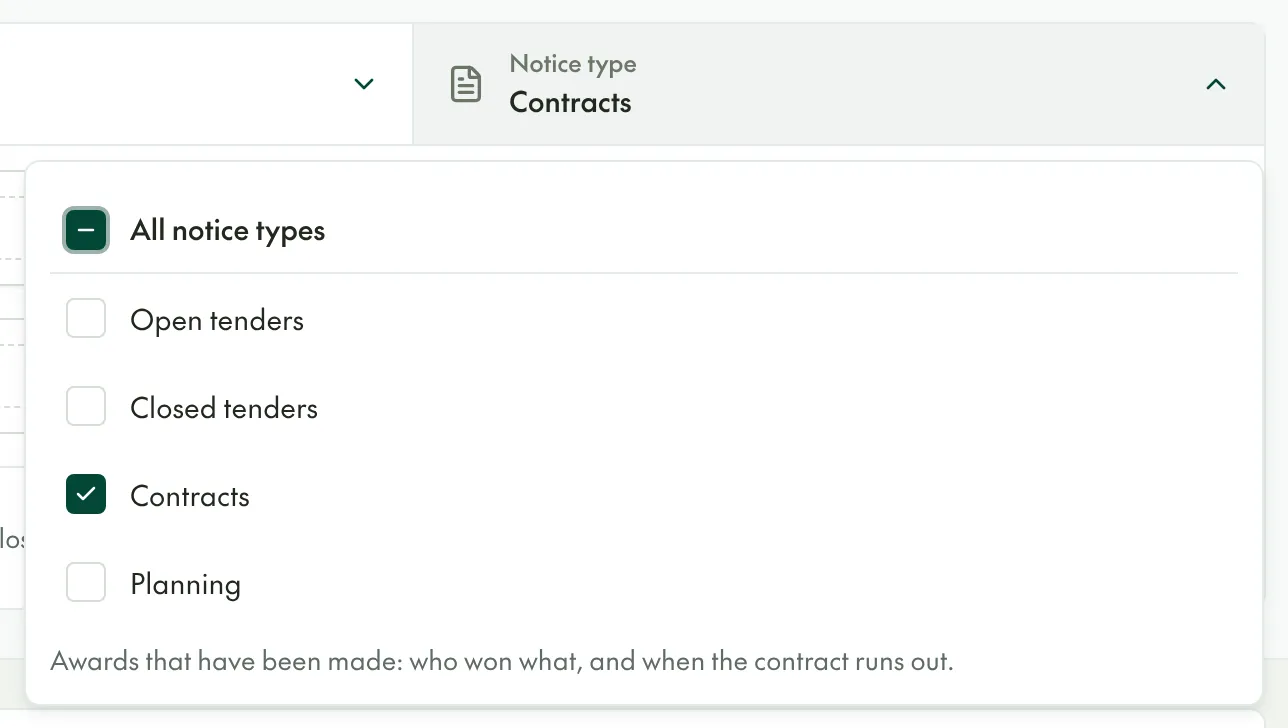
The four types
- Open tenders are tenders whose deadline has not passed.
- Closed tenders are tenders whose deadline has passed. Use them to see what a buyer has asked for before, and how it wrote the tender.
- Contracts are awards that have been made, with who won and when the contract runs out.
- Planning notices come before the tender, such as procurement plans, prior information notices and invitations to talk to the buyer.
Filters that depend on the type
- Deadline date appears when the only types ticked are open tenders, closed tenders or both.
- Contract start date and Contract end date appear when Contracts is the only type ticked.
- Supplier appears when Contracts is the only type ticked and you are using keyword search (Keyword in the app).
When to change it
Tick only Contracts to find out who holds a contract and when it ends. Who won the contract, and when will it be re-tendered? shows how. Tick Planning to hear about a tender months before it is advertised.
In the API, the filter is release_tags__is.