How to search by category
- Ian Makgill
- Help
- 23 Nov, 2025
- 01 Min read
Last updated: 12 November 2026
Category (CPV) finds notices by what is being bought, using the Common Procurement Vocabulary. Open Opportunities gives every notice five scored codes, so notices published without a code are found too. Category filtering is on the Team plan; on other plans you can browse the codes and build a selection.
Choose your codes
- Open Category (CPV) in the Filters panel and click Browse CPV codes.
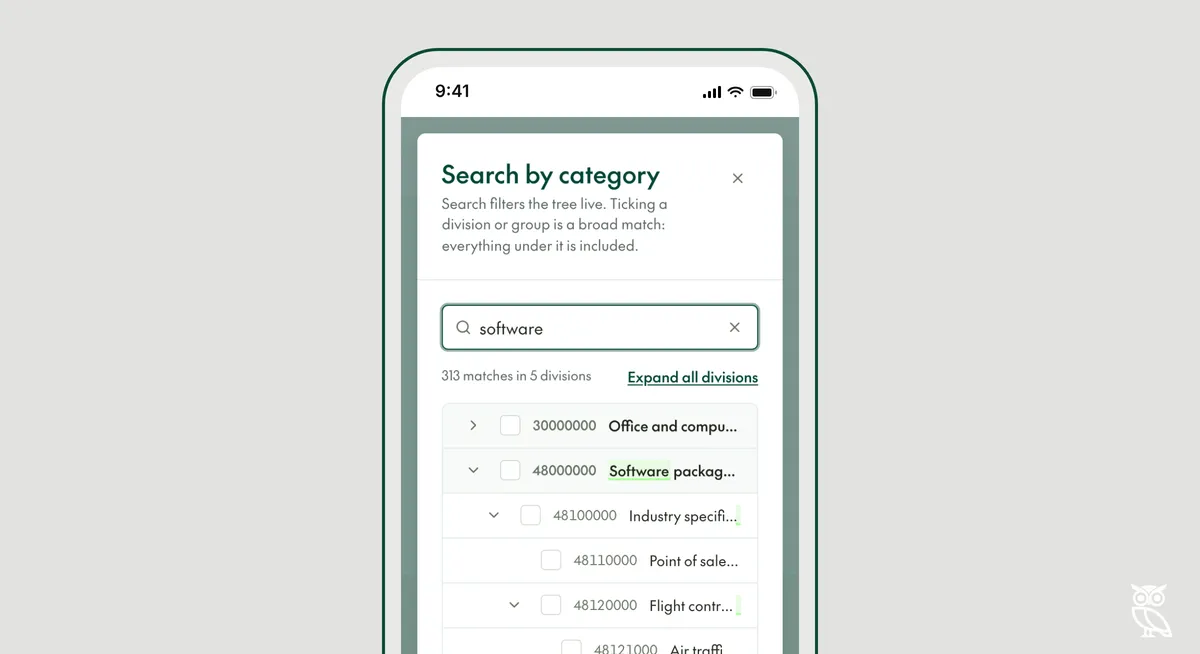
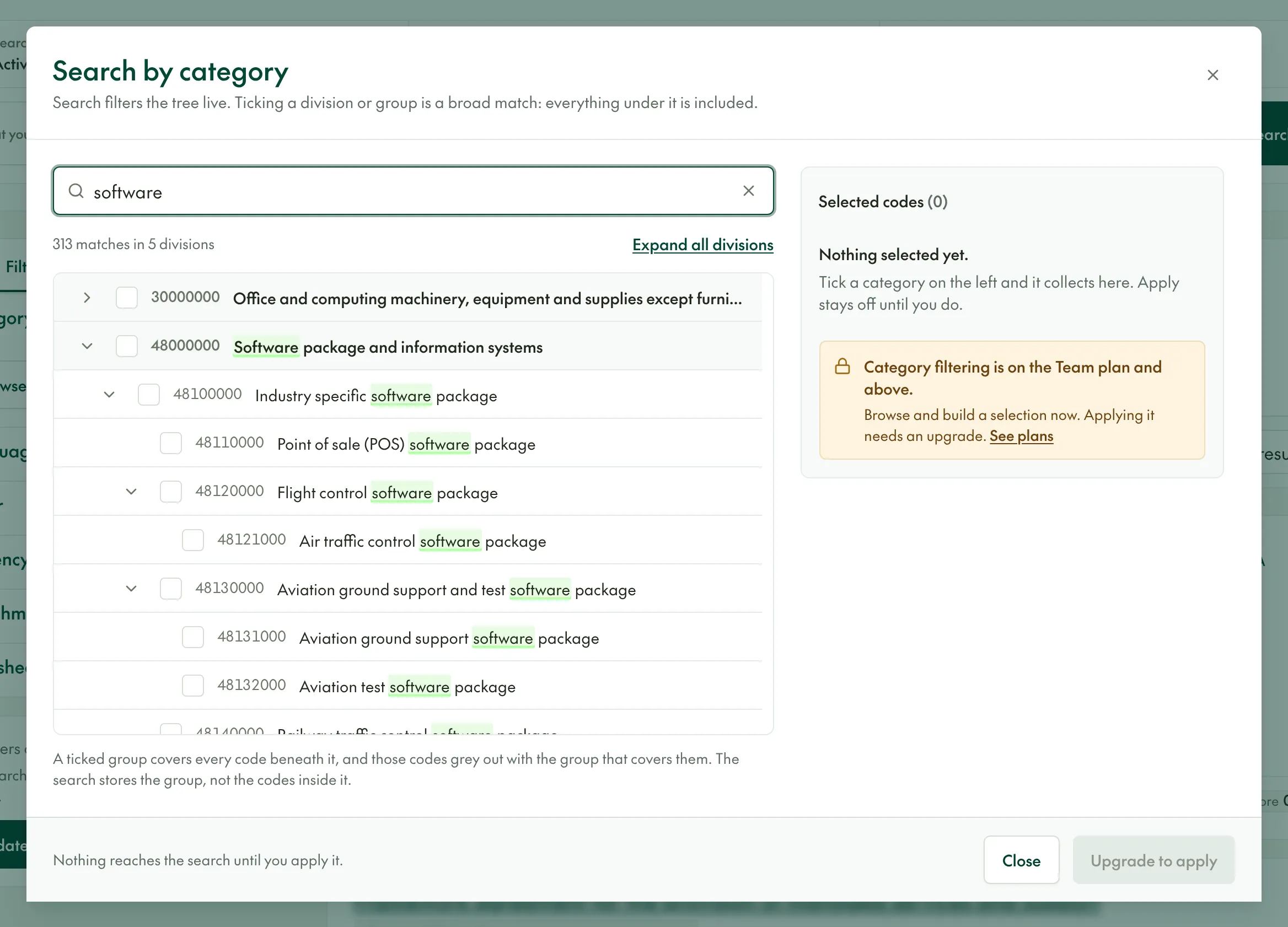
- Type a word, such as software, in the search box. The list narrows as you type.
- Tick the codes you want. They collect under Selected codes on the right.
- Apply your selection, then click Update results.
Broad or narrow
Ticking a division or group includes every code beneath it. A code with more zeros at the end is broader: 72000000 covers every IT service, while 72212000 covers only programming of application software.
Read each description before you tick it. Some include the word "except": 30000000 is office and computing machinery except furniture and software packages.