Tabs are gone

Tabs are gone

Our old tabs are gone.

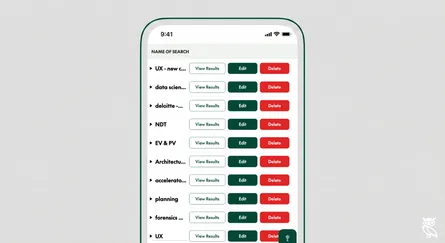
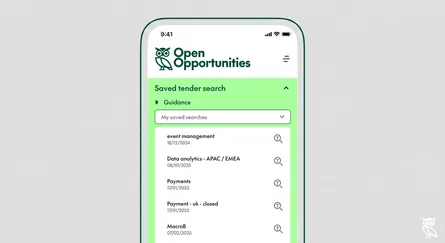
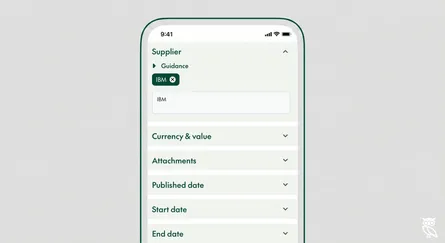
Whilst they guided users across their searches, they were clunky to navigate - swapping a tab meant having to build a new search.

If you’d added keywords, dates and countries you would have to re-enter each of those items to run the same search on different document types.

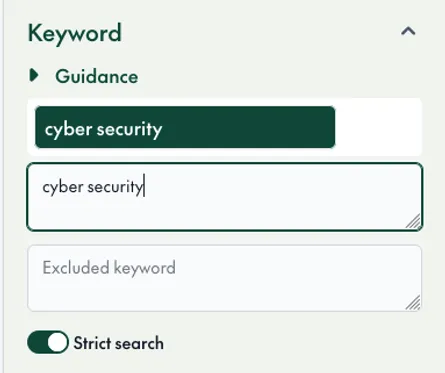
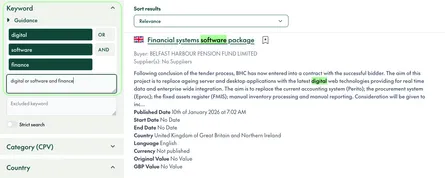
We’ve just moved them down to the left hand side and made them radio buttons.

Same functionality, but no need to re-enter your search.

We hope you like the results.
Related Posts

New sub-national sources for Germany

New sub-national sources for Germany

13 New German Procurement Sources Now Live

read more
New Sources for Austria & Germany

New Sources for Austria & Germany

We've been working hard on the DACH region. In November we added twenty new Austrian sources including sources for the Tirol, Vienna and Salzburg. Just befor

read more
New search tools: Strict search

New search tools: Strict search

We've added a new "Strict search" toggle to keyword filtering. When enabled, your results will only include opportunities that contain your search terms, while still being smart about it. St

read more
Better context for users: adding lozenges to your searches

Better context for users: adding lozenges to your searches

We've added new context for customers typing into our search boxes. A long list of search terms can be hard for users to make sense of. We also wanted to add extra search context for our customers.

read more
Download attachments within OpenOpps

Download attachments within OpenOpps

How much do you hate the digital obstacle course that is part of qualifying bids? The real data that bidders need is hidden in the specification docs but these can't be

read more
A flurry of new sources

A flurry of new sources

We're adding new sources at a gallop. In September we added fourteen new sources, including grants from Australia, data from Bahrain, two new sources in the Nordics, a new NATO source and ye

read more
New user interface feature: Country collections

New user interface feature: Country collections

Users can now create their own groups of countries in Open Opportunities. If you're responsible for selling into a specific market, whether that's EMEA or DACH or the Nordics it can be bothe

read more
USA Expansion: Opportunities in 4 new states

USA Expansion: Opportunities in 4 new states

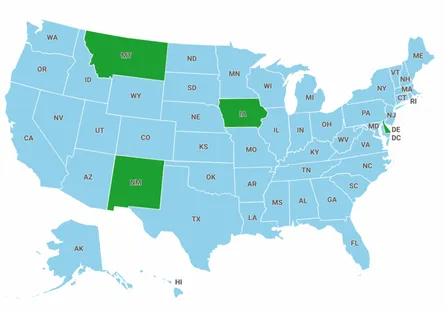
We've just added four new states to our USA opportunity data. Welcome to the Open Opportunities family Montana, New Mexico, Iowa and Delaware. Users can now search for contract and tender opportuni

read more
300+ US Tenders Monthly: New Sources for Bid Success

300+ US Tenders Monthly: New Sources for Bid Success

Building on our March announcement of 126 new data sources, we're excited to unveil our latest expansion of US procurement coverage.

read more
Sell to the USA: We Have Added 126 New Sources

Sell to the USA: We Have Added 126 New Sources

Breaking into the American market is a goal for many businesses, and we've got exciting news that could help you achieve just that. We've recently added 126 new data sources, opening up more opport

read more
How to search by keyword

How to search by keyword

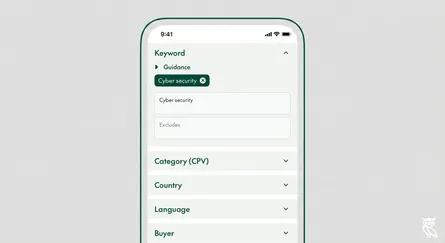
Searching by keyword is easy using Open Opportunities.

read more
How to search by exact keyword

How to search by exact keyword

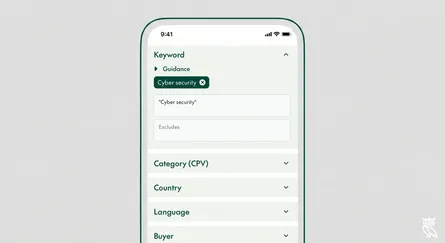
To get more control of your search you can add some extra features. If you haven't read our guidance on how to search by keyword already, it might help to

read more
How to search by buyer

How to search by buyer

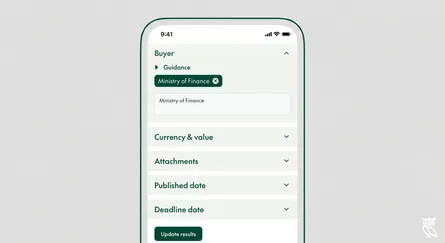
Searching for a specific buyer is easy using Open Opportunities.

read more
How to search by category

How to search by category

You can easily search by types of opportunity using our category search. Every item in our database has been given a classification, that means that you can search by across all of our tende

read more
How to search by language

How to search by language

Looking for opportunities in a specific language is easy with Open Opportunities.

read more
How to search by country

How to search by country

Looking for opportunities by country or continent is easy with Open Opportunities.

read more
How to create a saved search

How to create a saved search

Saved searches are searches that you can repeat again and again, creating one is easy in Open Opportunities.

read more
How to delete a saved search

How to delete a saved search

Deleting an old search you no longer want to use is simple with Open Opportunities.

read more
How to load a saved search

How to load a saved search

Saved searches are searches that you can repeat again and again, creating one is easy in Open Opportunities.

read more
How to search by supplier

How to search by supplier

Searching for a specific supplier is easy using Open Opportunities.

read more
Does your service have ALL the tender opportunities?

Does your service have ALL the tender opportunities?

If you’re using local tender portals, you’re missing a crucial piece of the puzzle. You could be using an official government source (e.g. Find A Tender in the UK or Sam.gov in the

read more