How to search by country

How to search by country

Looking for opportunities by country or continent is easy with Open Opportunities.

How to search by country

On the left of your screen (or at the top if you are using a mobile) is what we call the filters list, a list of fields that you can use to help you find what you need. Individual search filters sit in 'trays' and can be open or closed using the ^ icons on the right hand side of the tray. By default the Open / Closed and Keyword filters are open so that you can use them immediately.

Scroll down until you see the Country field and expand the tray using the small down arrow at the right of the tray.

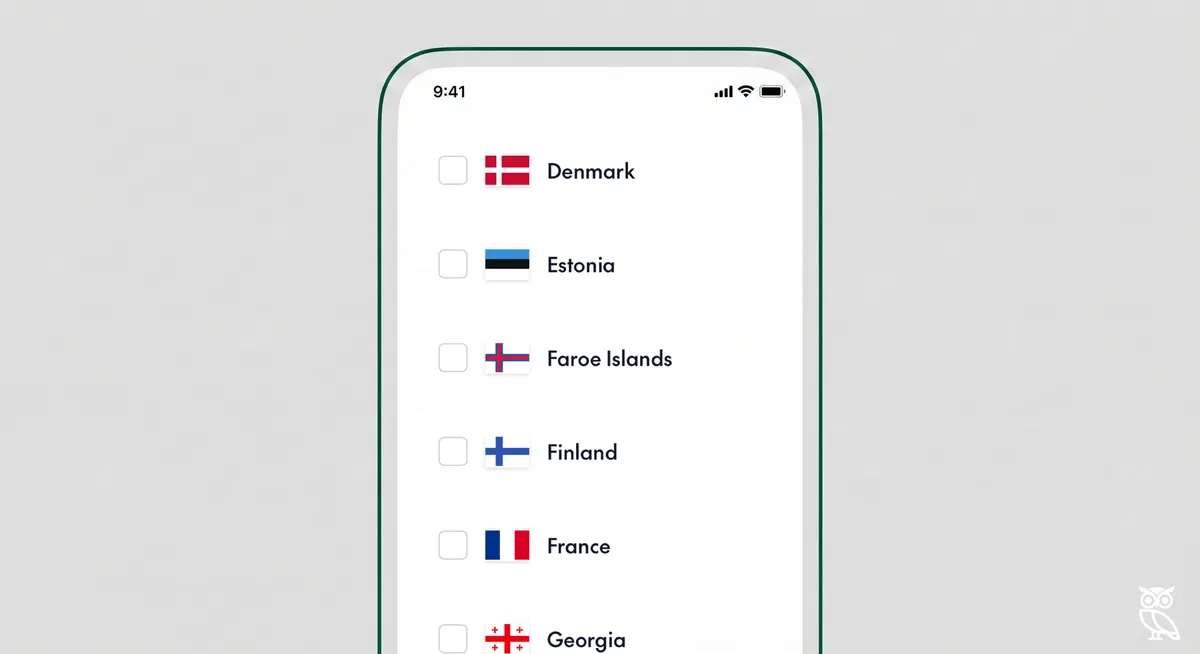
Expanding the Country tray will show you a button for 'browse countries', where you can select the countries or continents that you wish to see in your results. When you click on the browse countries, you will see a list of countries in a search modal with Europe as the first option. You can use this search field to quickly find the country you are looking for.

Country Modal European Continent

You can select individual countries or the whole continent. Selecting the continent will automatically populate the country list with all of the countries in the chosen continent. Here you can see all of the countries in the Oceania continent, the users has elected to exclude Australia.

Country Modal Oceania Continent Without Australia

Users can then choose to exclude specific countries if they need to. For instance this is a search for opportunities in Oceania without Australia.

Country Filter Results Oceania Without Australia

Related Posts

How to search by keyword

How to search by keyword

Searching by keyword is easy using Open Opportunities.

read more
How to search by exact keyword

How to search by exact keyword

To get more control of your search you can add some extra features. If you haven't read our guidance on how to search by keyword already, it might help to

read more
How to search by buyer

How to search by buyer

Searching for a specific buyer is easy using Open Opportunities.

read more
How to search by category

How to search by category

You can easily search by types of opportunity using our category search. Every item in our database has been given a classification, that means that you can search by across all of our tende

read more
How to search by language

How to search by language

Looking for opportunities in a specific language is easy with Open Opportunities.

read more
How to create a saved search

How to create a saved search

Saved searches are searches that you can repeat again and again, creating one is easy in Open Opportunities.

read more
How to delete a saved search

How to delete a saved search

Deleting an old search you no longer want to use is simple with Open Opportunities.

read more
How to load a saved search

How to load a saved search

Saved searches are searches that you can repeat again and again, creating one is easy in Open Opportunities.

read more
How to search by supplier

How to search by supplier

Searching for a specific supplier is easy using Open Opportunities.

read more