How to create a saved search

How to create a saved search

Saved searches are searches that you can repeat again and again, creating one is easy in Open Opportunities.

How to create a saved search

Once you get a search right you want to be able to repeat it again and again. With Open Opportunities it is simple to save a search, once you've put in your search criteria, scroll down the page until you see the Save search button.

Save search button

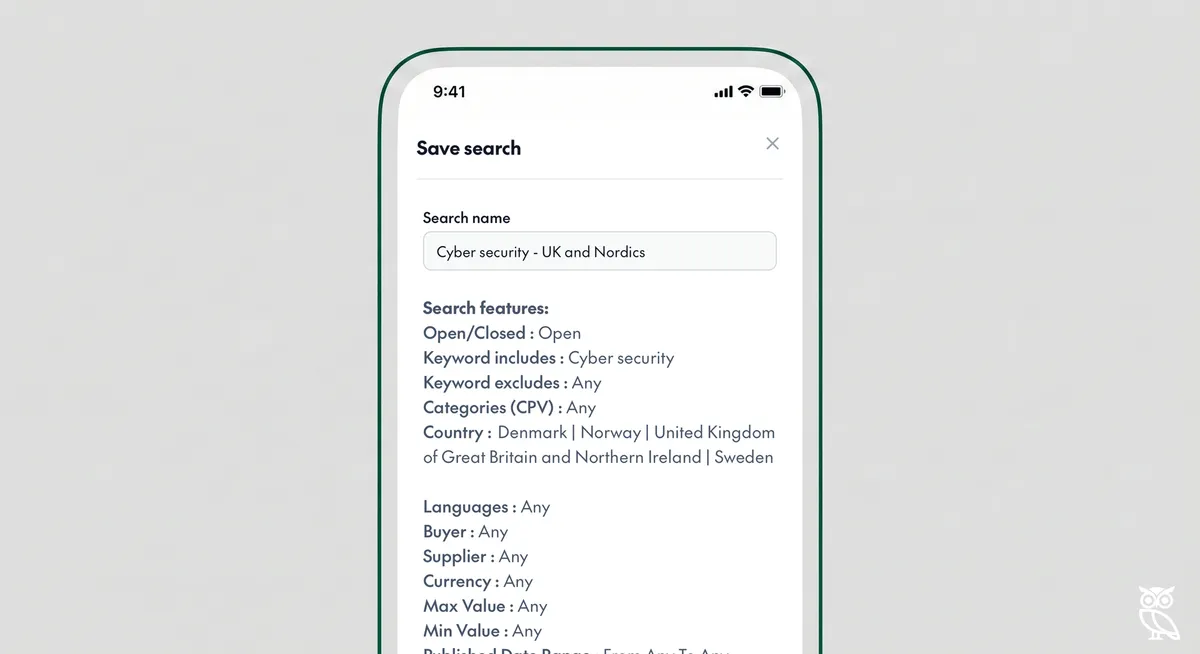
Clicking the button will show a popup that allows you to review the features of the search and then name the search.

Saved search pop up

In the saved search options you can see the ability to set up an alert (an email that informs you about new opportunities) and the number of saved searches that you have already created.

In some cases, particularly when you want to be absolutely certain that you haven't missed an opportunity, it makes sense to have alerts sent to you even when there are no new opportunities. If you want that to happen, you can just tick the box for "Send alerts even when there are no new opportunities".
Related Posts

How to search by keyword

How to search by keyword

Searching by keyword is easy using Open Opportunities.

read more
How to search by exact keyword

How to search by exact keyword

To get more control of your search you can add some extra features. If you haven't read our guidance on how to search by keyword already, it might help to

read more
How to search by buyer

How to search by buyer

Searching for a specific buyer is easy using Open Opportunities.

read more
How to search by category

How to search by category

You can easily search by types of opportunity using our category search. Every item in our database has been given a classification, that means that you can search by across all of our tende

read more
How to search by language

How to search by language

Looking for opportunities in a specific language is easy with Open Opportunities.

read more
How to search by country

How to search by country

Looking for opportunities by country or continent is easy with Open Opportunities.

read more
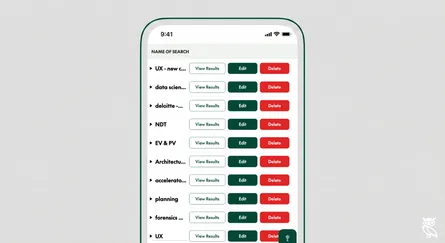
How to delete a saved search

How to delete a saved search

Deleting an old search you no longer want to use is simple with Open Opportunities.

read more
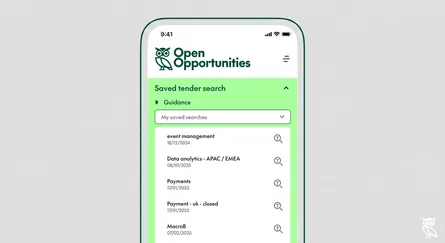
How to load a saved search

How to load a saved search

Saved searches are searches that you can repeat again and again, creating one is easy in Open Opportunities.

read more
How to search by supplier

How to search by supplier

Searching for a specific supplier is easy using Open Opportunities.

read more