How to search by exact keyword
- Ian Makgill
- Help
- 23 Nov, 2025
- 02 Mins read
To get more control of your search you can add some extra features.
If you haven't read our guidance on how to search by keyword already, it might help to check that guidance too.
If you enter the words enterprise architecture into the keyword search you will return all of the documents that feature the word enterprise and all of the documents that feature the word architecture, that will include the documents that feature both words and the documents that feature just one of those words.
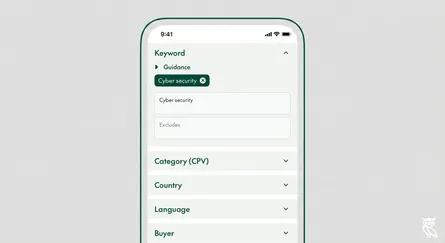
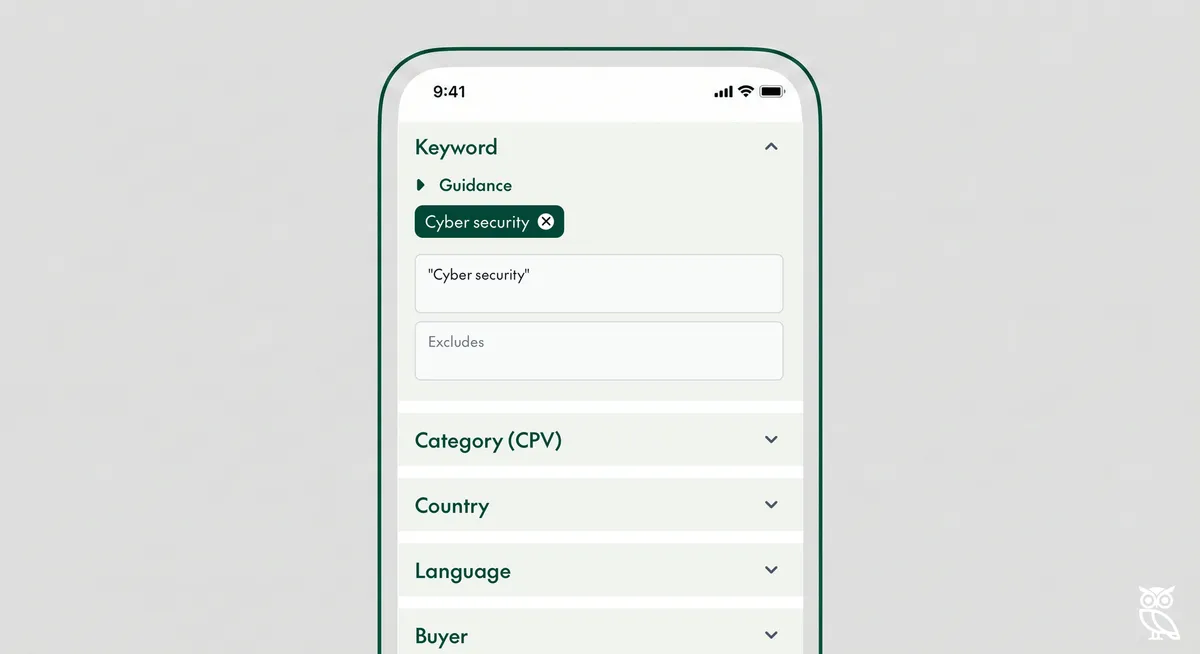
If you only want to see the documents that feature the exact phrase enterprise architecture just wrap your search term in quotes. When you add the quotes and enter "enterprise architecture" you will see only documents that feature that phrase.


Exact searches are exact in every sense, if you type "enterprise architecture" will return only documents with that exact phrase, you will not see documents for "enterprise architects" or "enterprise architecting". If you want to combine multiple strict searches you can do this by combining search terms, for instance "enterprise architecture" and "cloud deployment" will look for these exact terms but in the event that the terms cannot be found in one document Open Opportunities will return documents with either phrase in them.
Update:
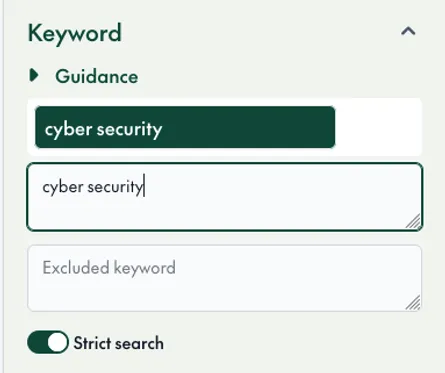
We've recently added a 'strict search' toggle that makes it easier to restrict results. Adding quotes prioritises records with both terms but still shows items with individual terms. So "enterprise architecture" will also show records that feature the word enterprise to using the strict search toggle will ensure that only records with your chosen phrase or variations of that phrase are shown.