Start searching with your website address, on a free plan
- Ian Makgill
- Release notes
- 09 Nov, 2026
- 02 Mins read
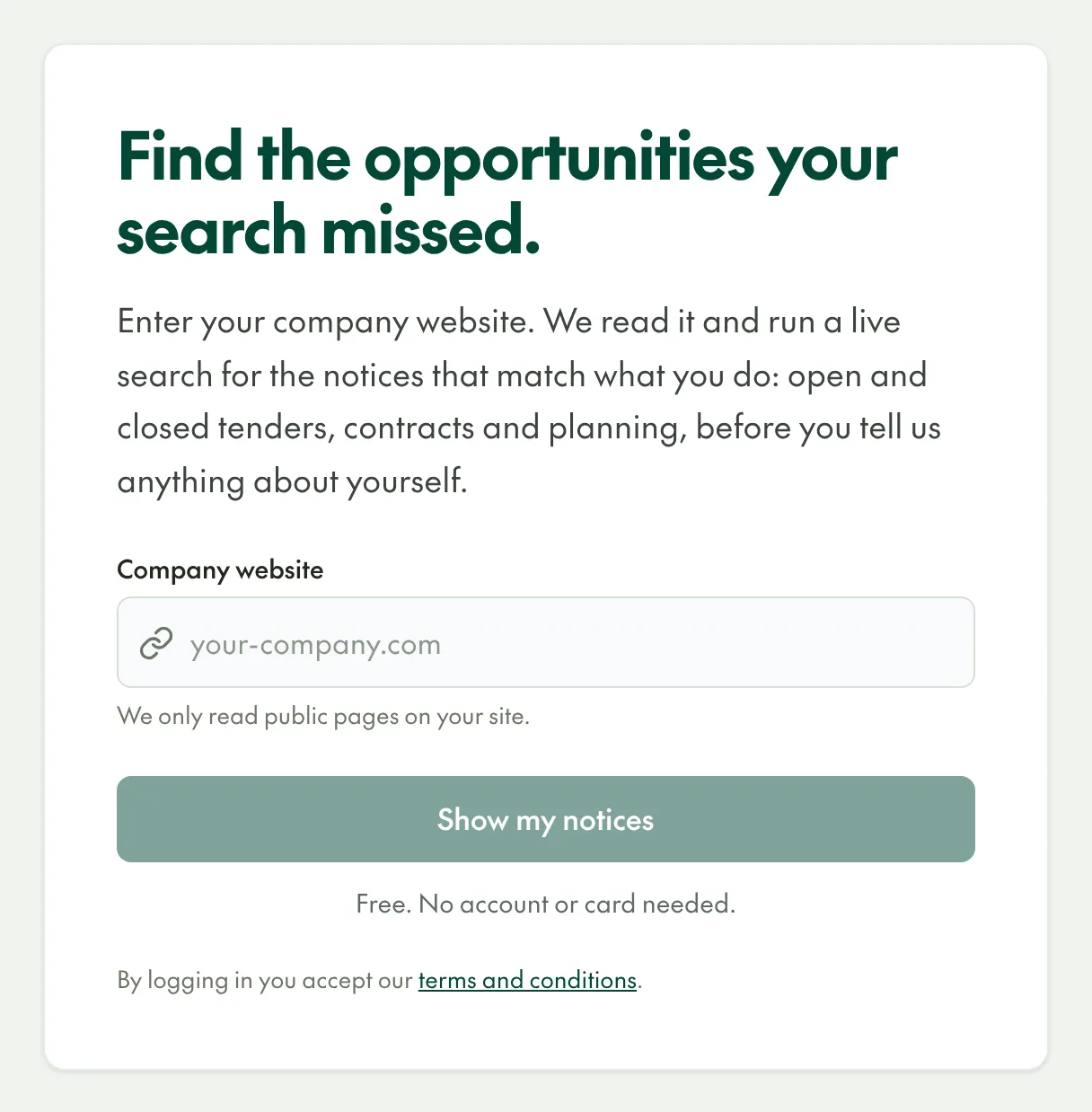
You can now start searching Open Opportunities with nothing but your company's website address.
Enter your website, see your notices
Click Search now on any page of openopps.com, or go to app.openopps.com/onboarding, and enter your company's website. Open Opportunities reads the public pages of your site and runs an Activity Search for notices that match what your company does: open and closed tenders, contracts and planning notices, from every country we cover. You do not need an account or a card to see the results.
A free plan with no time limit
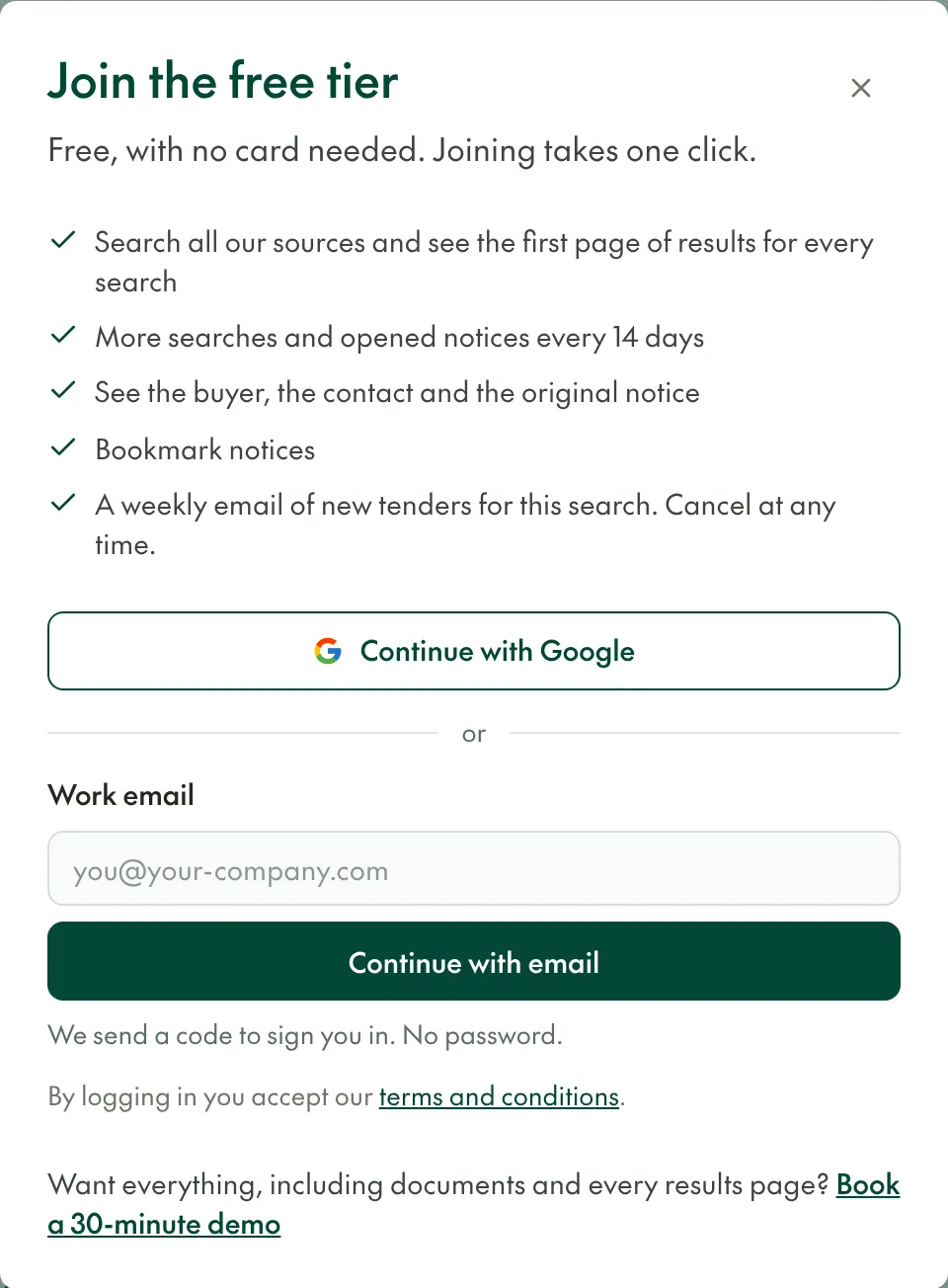
When you want to see more, join the free plan. It costs nothing, has no time limit and needs no card. It includes:
- the first page of results for every search, across all our sources;
- the buyer, the contact and a link to the original notice;
- bookmarks;
- a weekly email of new tenders for your search, which you can cancel at any time.
Every results page is on the Solo and Team plans, and documents are on Team. Pricing compares the three plans.
Sign in without a password
Sign in with Google, or enter your work email and we send you a one-time code. There is no password to remember.
Getting started with Open Opportunities explains each step, the support on each plan and the hours we work.