Alerts, saved searches and search history: more control
- Ian Makgill
- Release notes
- 10 Nov, 2026
- 01 Min read
This release gives you more control over the emails Open Opportunities sends and the searches it keeps.
Turn off alerts without leaving every email
The unsubscribe link in an alert email now opens a page of choices. You can turn off alert emails and still receive account emails, or stop everything. The free plan's weekly email can be cancelled from the email itself.
See when your alerts ran
Each saved search shows its last seven alert runs, so you can check that an alert ran and what it sent.
Tidy your search history
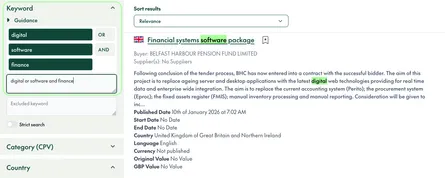
Your search history lists every search you have run. You can now remove one search or all of them, and save any search in the history as a saved search with its alert. Long histories are split into pages.
Saved searches and bookmarks
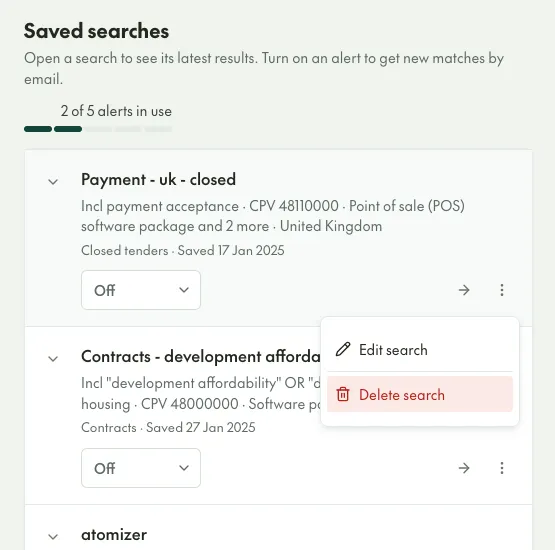
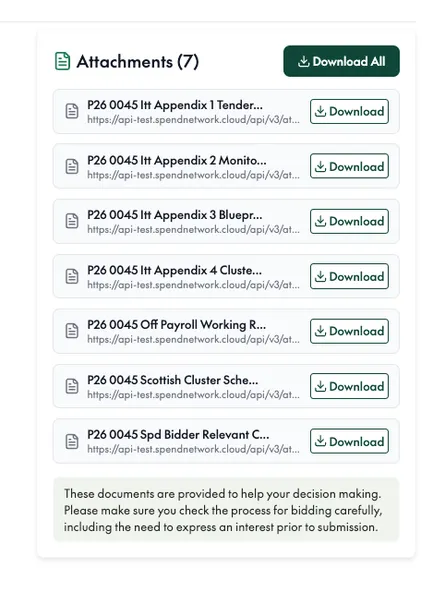
The Settings page and the Bookmarks page have been rebuilt. Saved searches are listed in Settings, where you can edit or delete each one. Downloads show their progress and can be cancelled.