A rebuilt search page: any mix of notice types
- Ian Makgill
- Release notes
- 04 Nov, 2026
- 02 Mins read
We have rebuilt the search page. Here is what changes when you search.
One bar for the search
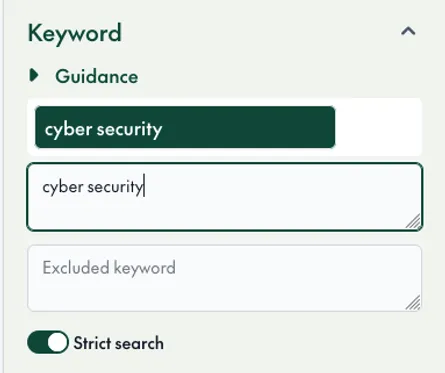
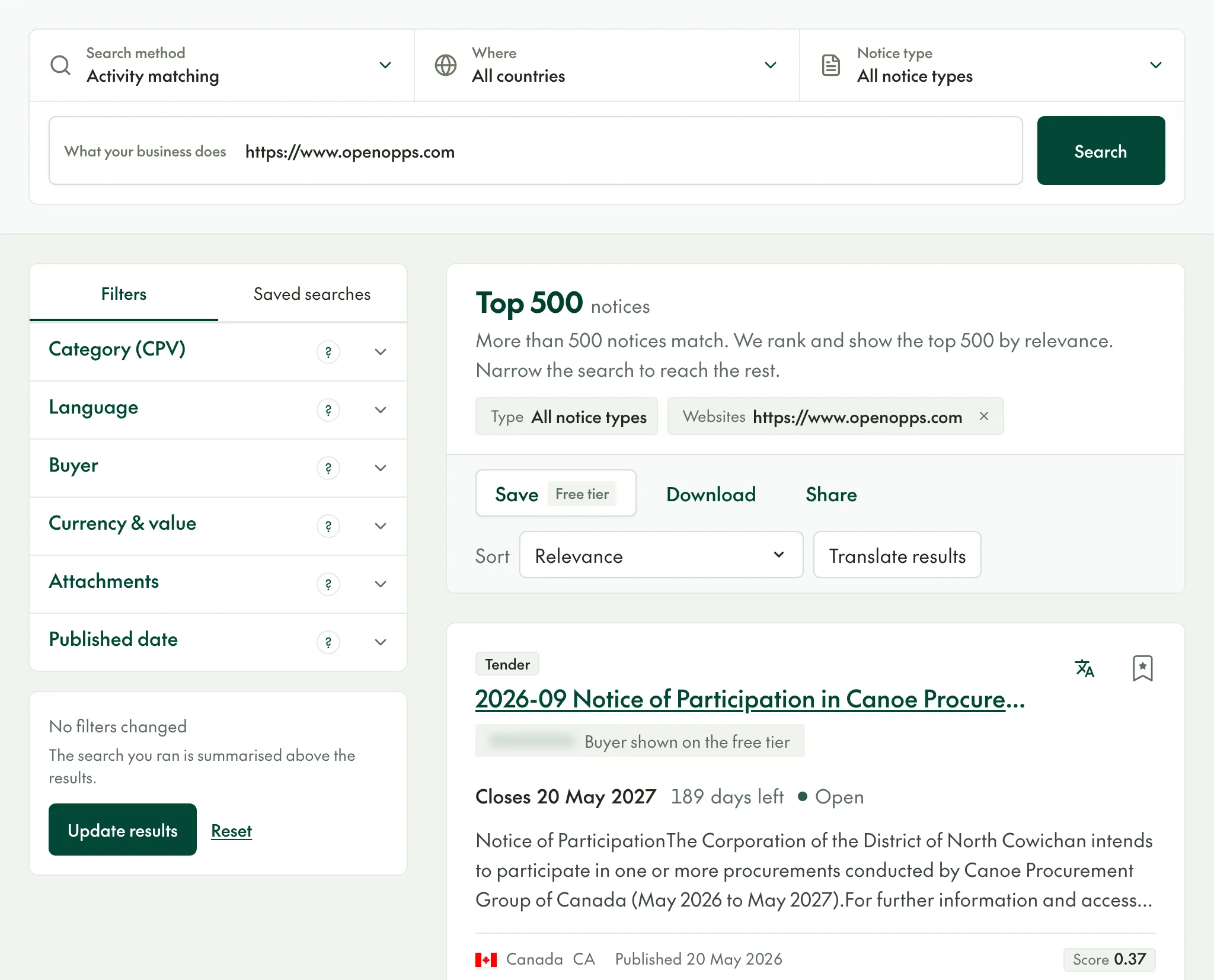
The search method, the countries and the notice types now sit in one bar at the top of the page, above the words you search for. Click any of them to change it. Filters are in the panel on the left, and each has a ? that explains what it does.
Search any mix of notice types
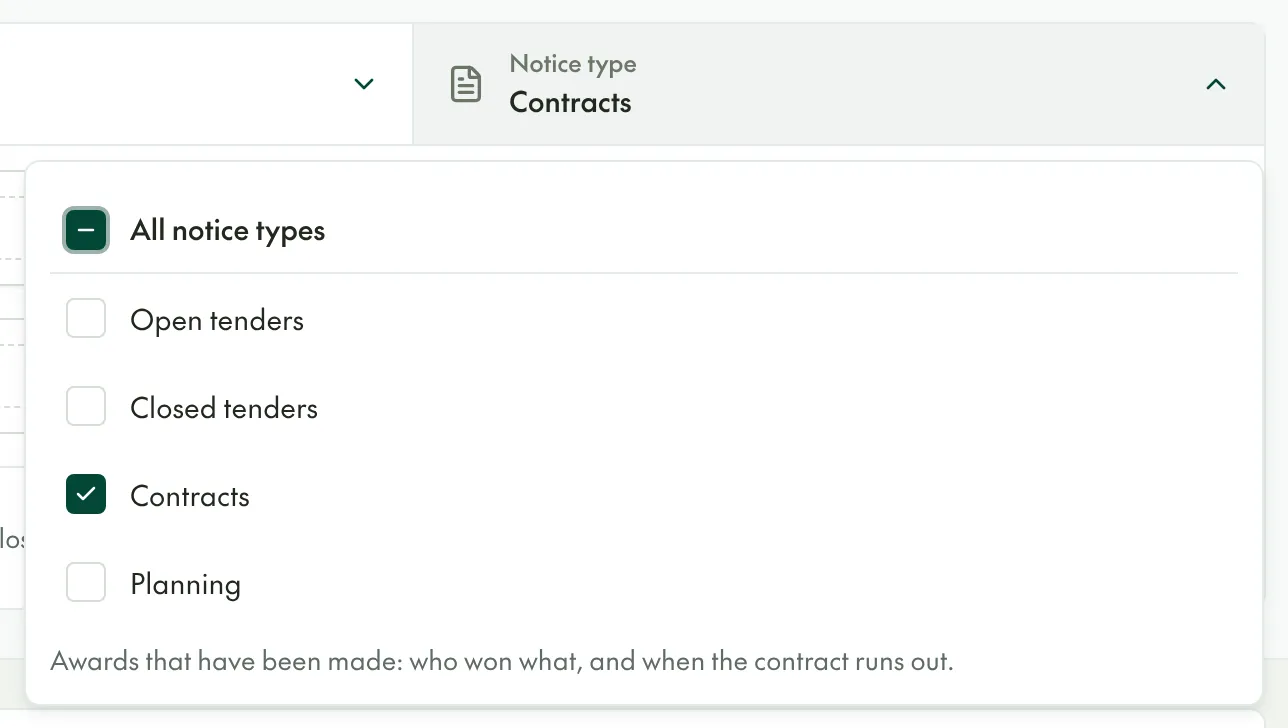
Notice types are now tick boxes: open tenders, closed tenders, contracts and planning notices. Tick any combination and one search covers them all. To look for expiring contracts, tick Contracts on its own: the supplier filter and the contract start and end dates appear when Contracts is the only type ticked.
Activity Search covers every notice type
Activity Search used to search open tenders only. It now searches closed tenders, contracts and planning notices too, so you can find the contracts awarded for work like yours, and who won them, without guessing the words the buyer used. It also works with the buyer, document, category, language, value and published date filters.
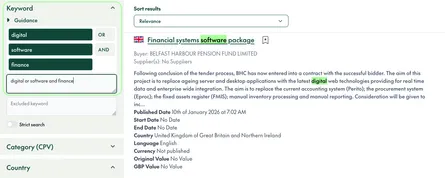
Each Activity Search result shows its score, so you can see how closely it matches what you described. Results are ranked by relevance, and the top 500 are shown; narrow the search to reach the rest.
Save your own country groups
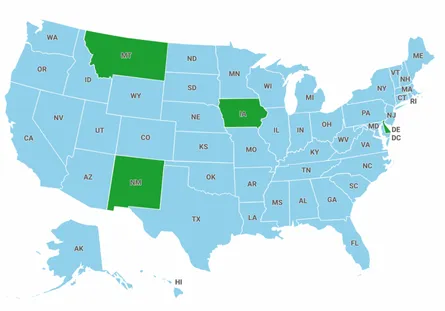
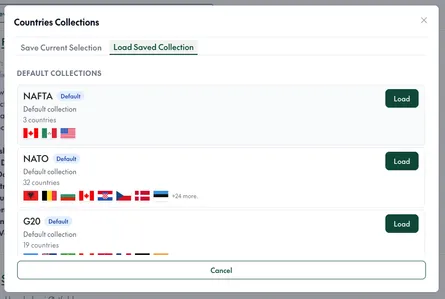
Pick countries from the continent lists, or save a selection as a collection and load it back in later searches.
Clearer messages
When a search fails or finds nothing, the page now says why and offers a way forward, instead of a general error.