Translate every tender on the page, filter by rolling dates and improved CPV filtering
- Ian Makgill
- Release notes
- 03 Sep, 2026
- 02 Mins read
Five improvements to search, translation and alerts in Open Opportunities
This release makes it faster to find the right tenders, read them in your own language and set up the alerts that keep them coming.
Translate a whole results page at once
The summary page now has a batch translation control. Click it and every summary on the page is translated into your chosen language, whatever language it was published in. A screen showing Polish, German and Spanish notices side by side becomes one readable list. Previously you translated notices one at a time.
Your last search is waiting for you
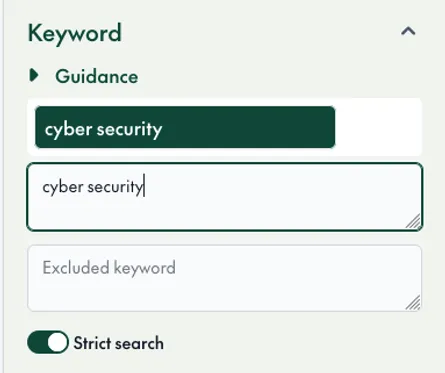
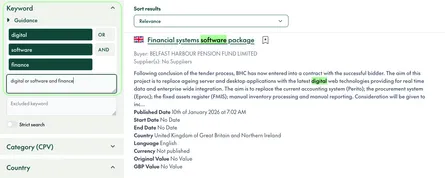
When you open Open Opportunities, your most recent search is loaded automatically, with its filters and results. You pick up where you left off instead of rebuilding the query. This applies to all users.
A clearer way to find and apply CPV codes
The CPV selector has been rebuilt. You can search the CPV taxonomy by keyword or code, see the hierarchy as you browse, and apply your selection to any record in one step. This matters because every notice in Open Opportunities carries a CPV code, so getting the code right is the quickest route to a precise result set.
Saving a search and setting alerts in one place
The save dialogue has been redesigned. Name your search, choose how often you want to be notified and confirm, all from a single screen. The steps that previously sat in separate places are now together, so there is less to miss when you set up an alert.
Rolling date windows
Deadline and publish date filters now offer presets. Choose "last 24 hours", "last 7 days" or "last 3 months" and the window rolls forward every time the search runs. A saved search using "last 24 hours" always returns what was published yesterday, with no need to edit the dates.
All five features are live now for every user.